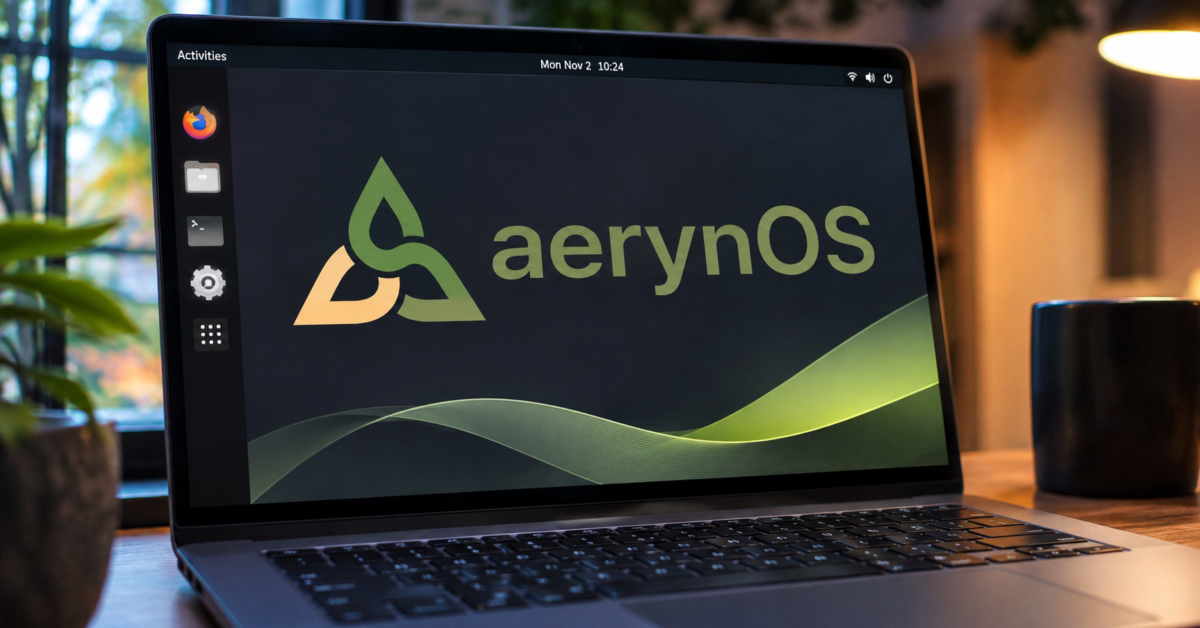
There is certainly no shortage of Linux distributions these days. Some are little more than Ubuntu with a different desktop and wallpaper, while others attempt to rethink how an operating system should work. aerynOS falls into the latter category, and its latest release gives Linux enthusiasts several new reasons to pay attention.
The developers have announced aerynOS 2026.11, bringing updated software, expanded desktop choices, a redesigned package management interface, and an experimental installer. Users can now choose between GNOME, KDE Plasma, COSMIC, and Budgie during installation, making the distribution more appealing to people who prefer something other than the usual Linux desktop experience.
So what’s the catch? Despite these improvements, aerynOS remains a development project that its own creators don’t consider ready for everyday use. Its new experimental installer still lacks disk encryption and dual-boot support, meaning anyone hoping to install it alongside Windows or protect sensitive files on a laptop will encounter some rather important limitations. The existing installer remains available, but the warning about the distribution’s overall maturity is worth taking seriously.
That is unfortunate because aerynOS is becoming an increasingly interesting Linux distribution. Rather than building another operating system around familiar package management tools, its developers are working on a different approach to managing software and system configuration. The idea is to give users more predictable control over what is installed and how the operating system is maintained.
Perhaps the most immediately noticeable improvement in version 2026.11 is the addition of Budgie 10.10.4. The aerynOS team worked directly with Budgie project lead Joshua Strobl to bring the desktop to the distribution, which is encouraging for a smaller project trying to establish itself within the Linux community.
Budgie joins GNOME 51.1, KDE Plasma 6.8.2, and COSMIC 1.11.0. GNOME also serves as the live desktop environment on the refreshed installation ISO, giving newcomers a familiar interface before they decide whether to install the operating system.
COSMIC users get an interesting addition in the form of COSMIC Viewer, an image-viewing application developed by aerynOS team member Bryan Hyland in collaboration with System76. It is a nice example of how contributions from a smaller Linux project can benefit the wider open-source community.
Four desktop environments should provide enough variety for most people, but aerynOS doesn’t stop there. Its repositories also contain approximately a dozen Wayland compositors, allowing adventurous users to assemble their own desktop environment. Anyone who enjoys spending a weekend customizing Linux should find plenty to experiment with.
The developers are also addressing one of the less glamorous aspects of trying an unfamiliar operating system: getting the thing installed in the first place. The new lichen-installer introduces a more interactive terminal interface and eliminates some of the manual preparation previously required.
Among its improvements are automatic drive formatting and partitioning, Wi-Fi configuration, keyboard layout selection, and support for Btrfs root partitions with a separate @home subvolume. Users can also provide a custom system-model.kdl file to specify which packages should be installed.
These capabilities should make the installation process more approachable, especially for enthusiasts who want to test aerynOS without manually configuring everything. However, the developers have deliberately included the new installer alongside the existing lichen tool rather than making it the default.
That decision makes sense given the unfinished features mentioned earlier. Disk encryption is particularly important for laptops, while dual-boot support would make it easier for Windows users to experiment without dedicating an entire computer to aerynOS. Until the installation experience matures, I would be hesitant to recommend it to anyone who simply wants a dependable alternative to Windows 11.
Of course, the desktops and installer are only part of the story. One of the more interesting developments involves Moss, the distribution’s package manager, which has received an extensive command-line redesign.
Unlike traditional package managers that primarily focus on directly installing and removing individual applications, Moss uses a declarative system model to describe the software and repositories belonging to an installation. In simpler terms, it is designed to manage the intended state of the operating system rather than treating every package operation as an isolated change.
The latest update reorganizes commands around that approach. Package operations now use moss package, while repository management falls under moss repo. The developers have also introduced shorter aliases, improved error messages, and a moss tree command that displays the available command hierarchy.
There is another catch here for existing testers, although a smaller one. The command changes break compatibility with the previous structure, so people familiar with the older version of Moss will need to adjust. Still, making these changes while the distribution remains in development is considerably more sensible than waiting until thousands of people depend on the old commands.
Beyond the installation and package management improvements, aerynOS 2026.11 includes a collection of updated software. The refreshed ISO ships with Linux kernel 7.2.14, while kernel 6.18.60 LTS is also available in the repositories. Other packages include Mesa 26.2.6, Firefox 159, Thunderbird 159, PipeWire 1.6.11, and Wine 11.21.
The addition of fwupd is another welcome improvement. It allows users with supported hardware to receive firmware updates through the Linux Vendor Firmware Service, addressing a practical concern for people testing Linux on physical machines. Firmware updates aren’t particularly exciting, but they are certainly more important than another collection of wallpapers.
Interestingly, the developers have also removed the terminal-only and headless installation options from the new ISO. Apparently, these expert-oriented configurations generated a disproportionate number of support requests. The options could return eventually, but simplifying the installation choices should help the team concentrate on getting the main experience right.
What makes aerynOS appealing to me isn’t necessarily having four desktop environments to choose from. Plenty of established Linux distributions already provide that flexibility. The more compelling work is happening underneath, particularly the package management system and the effort to make operating system configuration more predictable.
At the same time, there’s no reason to pretend this is ready to replace Ubuntu, Fedora, or Linux Mint on someone’s primary computer. The aerynOS developers are upfront about the project’s limitations, and I appreciate that approach. Too many experimental projects are presented as finished products when they still have considerable work ahead of them.
For now, I would recommend trying aerynOS in a virtual machine or on spare hardware rather than replacing an existing installation. There is plenty here for Linux enthusiasts to explore, but people who need their computers to work without surprises should probably look elsewhere.
The developers have spent considerable time building the foundations of aerynOS, and version 2026.11 shows what that work is beginning to deliver. Whether it eventually becomes a serious competitor to established Linux distributions remains to be seen, but I am interested in seeing where the project goes next.
Anyone curious about giving it a try can find the release details and download information on the official aerynOS website.
Support independent tech journalism
NERDS.xyz is independently owned and operated. If you enjoy my coverage of Linux, AI, hardware, cybersecurity, and tech culture, consider supporting the site on Ko-fi.
Support NERDS.xyz