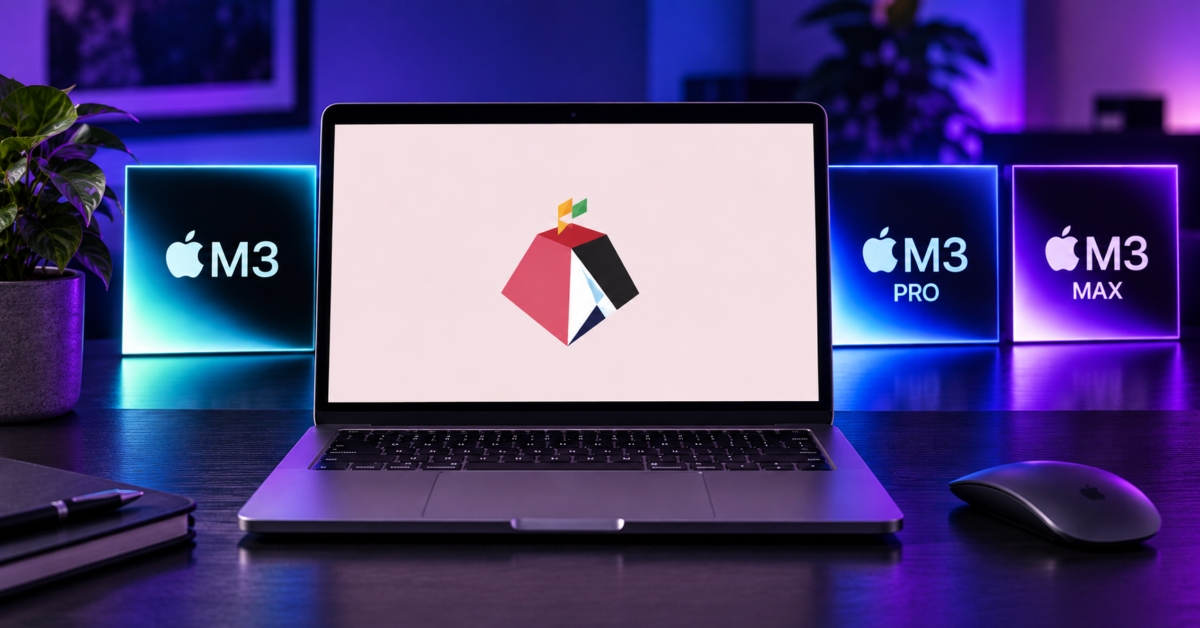
Running Linux on an Apple M3 Mac just became a lot more realistic. Asahi Linux has officially added support for M3-powered Macs to its installer, expanding the project beyond Apple’s older M1 and M2 hardware.
This is genuinely exciting for Linux nerds like me, but don’t get too excited just yet. There are some pretty big catches, including missing GPU acceleration and sleep support.
Asahi Linux says support covers Macs with the M3, M3 Pro, and M3 Max chips. The M3 Ultra Mac Studio isn’t supported yet.
The good news is that a surprising amount of hardware already works. Asahi says almost everything it supports on M1 and M2 Macs is now functional on M3 machines too.
That includes Wi-Fi, Bluetooth, the webcam, internal microphones, and USB connectivity at speeds up to 10Gbps. Hardware-accelerated video decoding works too, including AV1 decoding.
For an operating system running on Apple hardware that Apple obviously never designed with Linux in mind, that’s pretty damn cool.
Unfortunately, GPU acceleration is a different story. You see, Asahi Linux doesn’t yet have proper GPU acceleration working on M3 Macs. That means users shouldn’t expect the 3D performance or power efficiency they would get from a fully supported machine. If you’re thinking about buying an M3 Mac specifically to use as a Linux computer, I’d hold off.
Display Co-Processor support, better known as DCP, isn’t finished either. That creates another problem that is arguably even more annoying for laptop users: sleep doesn’t work.
Asahi says the limitation comes from using the firmware-provided framebuffer and should go away once full DCP support arrives. HDMI output on MacBook models equipped with an HDMI port is also disabled for now.
So yes, Asahi Linux officially supports Apple M3 Macs. But “officially supports” needs a pretty big asterisk when GPU acceleration, sleep, and HDMI are still missing.
M3 support is still relatively early, and installation currently requires Asahi Linux’s Expert mode. The project hopes to remove that requirement in time for the Fedora Linux 45 beta, assuming testing doesn’t uncover problems that force a delay.
Despite the limitations, I’m happy to see Asahi Linux moving forward on newer Apple silicon. The M1 machines aren’t getting any younger, and supporting newer generations is essential if Asahi is going to remain interesting rather than becoming a project primarily associated with aging Macs.
Would I buy an M3 Mac specifically for Asahi Linux today? Heck no. But if you already have an M3 Mac sitting around and enjoy experimenting with Linux, things just got a lot more interesting. Once proper GPU acceleration, DCP support, sleep, and HDMI arrive, running Linux on these machines should become considerably more practical.
Support independent tech journalism
NERDS.xyz is independently owned and operated. If you enjoy my coverage of Linux, AI, hardware, cybersecurity, and tech culture, consider supporting the site on Ko-fi.
Support NERDS.xyz