Linux distributions can sometimes feel like different arrangements of the same familiar pieces. Nitrux 7.0.0 is definitely not that kind of release, and I am genuinely excited by what the developers are attempting here.
The big story is the new Workspace Environment, which replaces several familiar desktop components with software developed specifically for Nitrux. Rather than building everything into one giant desktop shell, Nitrux is separating individual responsibilities while trying to make the resulting experience feel like one cohesive system.
Nitrux calls the underlying idea “Lifecycle Decoupling.” Shell components and session utilities run within an independent, rootless user-session hierarchy managed by nwsm, the new Nitrux Workspace Session Manager. OpenRC supervises the long-running user services, while nwsm connects them to the graphical session and can keep that session alive through compositor replacements.
That architecture might sound complicated, but the goal is pretty easy to understand. Nitrux wants the desktop to feel unified without requiring everything behind it to be one monolithic piece of software.
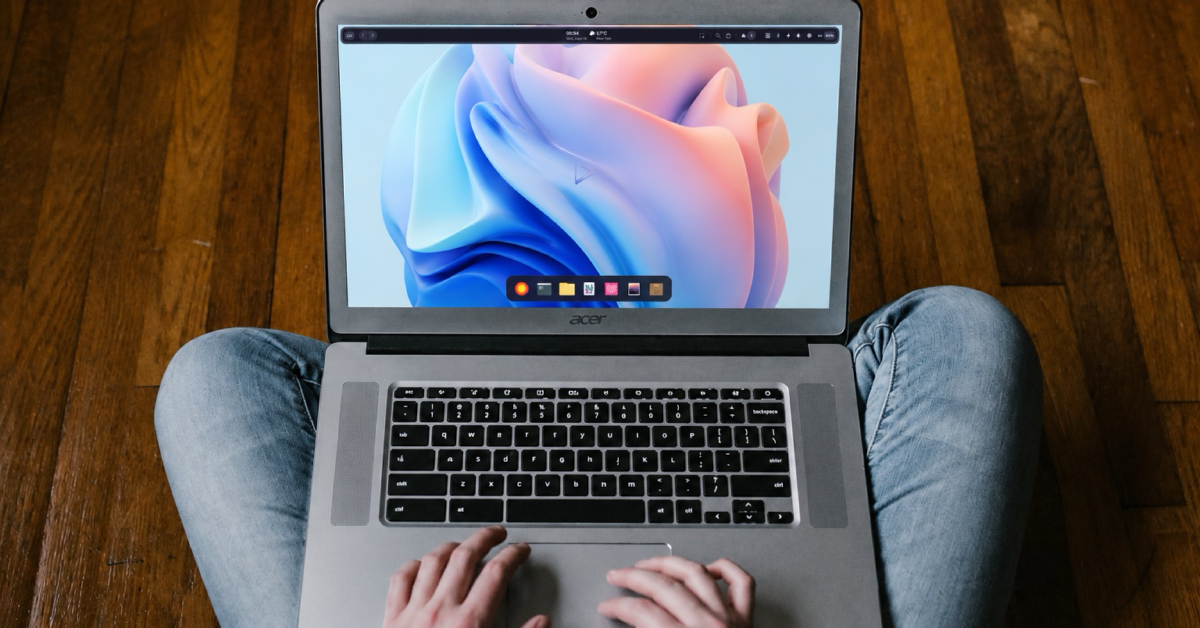
And there is a lot of new software, folks. Valenz is the new workspace bar, handling things such as workspace navigation, media controls, notifications, the system tray, clipboard access, weather, calendar information, and system controls. Marina is the new dock, offering application pinning, window tracking, multi-monitor support, auto-hide, and unread-message badges.
Desklock takes over session locking, while QMLogout handles logout and power actions. NudgeOSD provides on-screen indicators, and Workspace Settings becomes the central place for configuring themes, displays, networking, Bluetooth, VPNs, power profiles, accessibility, Flatpak permissions, and other parts of the system.
Several familiar components are disappearing from the default installation as a result. Nitrux has removed Hyprlock, Wlogout, Waybar, Crystal Dock, and SwayNC in favor of its own alternatives. Grimshot is also gone, replaced by Toma, a new C++ utility for screenshots and screen recording.
I really like seeing a Linux distribution take this kind of risk. There is nothing wrong with assembling a desktop from established open source projects, of course, but developing first-party alternatives gives Nitrux an opportunity to create an identity that goes beyond a wallpaper, theme, and package selection.
Software management follows a similarly opinionated philosophy. The new AppFinder provides one interface for finding software while maintaining boundaries between different installation methods.
NX AppHub recipes can provide host-integrated AppBoxes, Flathub handles mainstream Flatpak applications, AppImages can be managed through Bundle Builder recipes, and Distrobox provides mutable development environments. Software that genuinely needs deeper integration can instead become part of the tested release root.
In other words, Nitrux does not want users dumping everything into the root filesystem simply because that is how traditional Linux package management often works. It wants different types of software to live where they make the most sense.
Underneath the architectural changes are plenty of updates too. Nitrux 7.0.0 ships with Linux kernel 7.2.6 using CachyOS patches maintained by Nitrux, Hyprland 0.55.4, KDE Frameworks 6.26.0, MauiKit 4.0.4, and NVIDIA Open Kernel Module 615.71.09.
MauiKit gets considerable attention in this release. MauiKit Documents adds PDF form editing, annotations, tiled rendering, and saving of modified documents. FileBrowsing gains cancellable file operations, Miller-column navigation, improved previews, and asynchronous searches. ImageTools receives interactive cropping, undo and redo support, presets, adjustments, and other editing improvements.
The collection of Maui applications has been refreshed as well. Pix, Nota, Buho, Clip, Fiery, Shelf, Vvave, Index, and Station all move to version 4.0.4. Several are also switching their application identifiers from org.kde to org.maui, which further establishes Maui as its own ecosystem.
Nitrux 7.0.0 brings some worthwhile security changes too. New encrypted installations move from LUKS1 to LUKS2, with Argon2id used for key derivation when creating the boot keyfile. The developers have also expanded kernel and network hardening, including restrictions involving kernel pointers and eBPF, RFC 1337 protection, IPv6 privacy changes, and disabled ICMP redirects.
I also appreciate that the Nitrux team is being careful about how it describes those improvements. The developers explicitly say they are not claiming the distribution is “impenetrable” or “unhackable.” Security is an area where Linux projects can easily make claims that go too far, so that restraint is welcome.
Nitrux 7.0.0 ultimately feels like a Linux distribution deciding exactly what it wants to be. Instead of relying almost entirely on interchangeable components from other projects, Nitrux is building more of its own desktop experience and drawing clearer boundaries around how the operating system works.
Will every Linux user like that approach? Of course not. Some people specifically want a distribution they can tear apart, rearrange, and customize using whatever components they prefer.
But Linux has plenty of distributions that already cater to those users. I am excited to see Nitrux try something different. The Linux desktop gets more interesting when developers are willing to experiment rather than simply rearrange the same pieces.
Support independent tech journalism
NERDS.xyz is independently owned and operated. If you enjoy my coverage of Linux, AI, hardware, cybersecurity, and tech culture, consider supporting the site on Ko-fi.
Support NERDS.xyz