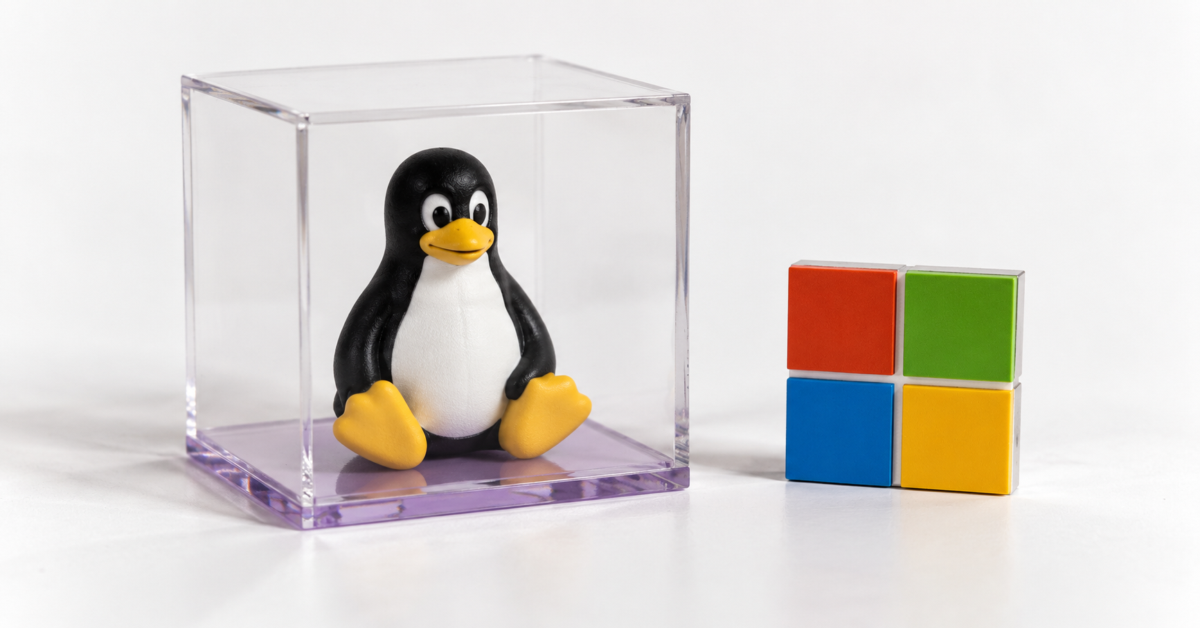
Microsoft has released LiteBox 0.1.0, an open-source operating system project written primarily in Rust. Before you start planning a Windows-free future courtesy of the company that sells Windows, there is something you need to know: LiteBox is a library operating system designed to provide services to applications, rather than a desktop OS you install on your PC.
That might sound less exciting than a Windows replacement, but the project deserves a closer look. Microsoft is exploring how applications can run through a smaller interface to their host, with Linux software on Windows and application sandboxing on Linux among its stated uses.
To understand LiteBox, start with what an operating system normally does. Applications need services such as opening files, allocating memory, communicating over a network, and managing threads. On Linux, they request many of those services through system calls, which let a program ask the kernel to perform an operation.
A library OS implements operating system services in a form that developers can incorporate into an application’s execution environment. The application gets an interface it understands, while the library OS handles those requests and connects to whatever underlying platform supplies the resources. It does not need to provide the desktop, installer, or complete hardware support people associate with a conventional operating system.
LiteBox contains real implementations of that machinery. Its source includes filesystem, memory management, networking, pipe, and synchronization components. A pipe, for instance, provides a channel through which software can pass data, while synchronization helps coordinate threads accessing shared resources.
Microsoft organizes the project around two sides. The application-facing side provides compatibility layers, which the project calls shims. The host-facing side provides platform implementations. Between them sits LiteBox, allowing developers to connect an application interface to different underlying environments.
For a Linux program running on Windows, the Linux compatibility layer handles the application’s requests, while the Windows platform component supplies the underlying resources. The repository contains a dedicated runner for this arrangement, so Linux execution on Windows is a concrete part of the implementation.
The setup requires preparation, however. The Windows runner expects the program and its dependencies in a tar archive, a file that bundles other files and directories together. Its documentation also requires processing the Linux executable files with a system call rewriter before running them.
That tool changes the binaries so their system calls route through LiteBox. Developers may not need to alter the application’s source code, but the executable files themselves undergo modification. Microsoft’s description of running “unmodified Linux programs” therefore needs that context: this is not a promise that every Linux application will run untouched with a double-click.
The current Windows runner supports x86-64 only. Its source explicitly restricts execution to that architecture, meaning this particular route does not currently extend to Windows on Arm. That is worth knowing if your Windows PC uses a Snapdragon processor.
On Linux, the project offers a runner for executing Linux applications through LiteBox. Microsoft lists sandboxing as a use case, with the security argument resting on reducing the interface exposed to the host. Fewer exposed operations can mean fewer paths that need protection, although the effectiveness depends on the implementation and execution environment.
Think of an application needing a collection of services rather than unrestricted access to everything beneath it. LiteBox aims to handle more of that work within its own environment and communicate with the host through a narrower boundary. That is the design goal; it should not be read as a guarantee that malicious software cannot escape or exploit a bug.
Rust is part of the story, too. The language helps prevent certain memory safety errors in safe Rust code, but using it does not automatically establish the security of an entire system. Low-level operating system work still requires careful handling of memory, platform interactions, and application behavior.
Beyond the Linux and Windows runners, Microsoft lists AMD SEV-SNP, OP-TEE, and Linux Virtualization Based Security among the project’s use cases. These involve protected execution environments, such as hardware-assisted isolation for virtual machines or environments for trusted applications. Several related components explicitly carry work-in-progress warnings, so readers should not assume every configuration is equally mature.
Ordinary Linux compatibility also has gaps. Source comments say fork, an operation that creates a new process from an existing one, is not yet supported. Software that depends on that behavior can therefore run into a limitation, and the included benchmark documentation skips tests that require it.
Those benchmark scripts should not be mistaken for proof of performance, either. They provide tools for comparing native execution with execution under LiteBox, but this article is based on inspecting the source and documentation. I have not built or run the project.
Microsoft publishes LiteBox under the MIT license, allowing developers to inspect, modify, and redistribute the code subject to its terms. Its README also warns that the project is still working toward a stable release, with APIs and interfaces potentially changing as development continues.
That leaves LiteBox 0.1.0 as something developers can investigate rather than software most readers will install for everyday computing. The interesting part is how Microsoft is combining Linux compatibility with a smaller host interface. Whether that approach becomes useful in real deployments will depend on compatibility, performance, and how convincingly the project delivers on its security goals.
Support independent tech journalism
NERDS.xyz is independently owned and operated. If you enjoy my coverage of Linux, AI, hardware, cybersecurity, and tech culture, consider supporting the site on Ko-fi.
Support NERDS.xyz