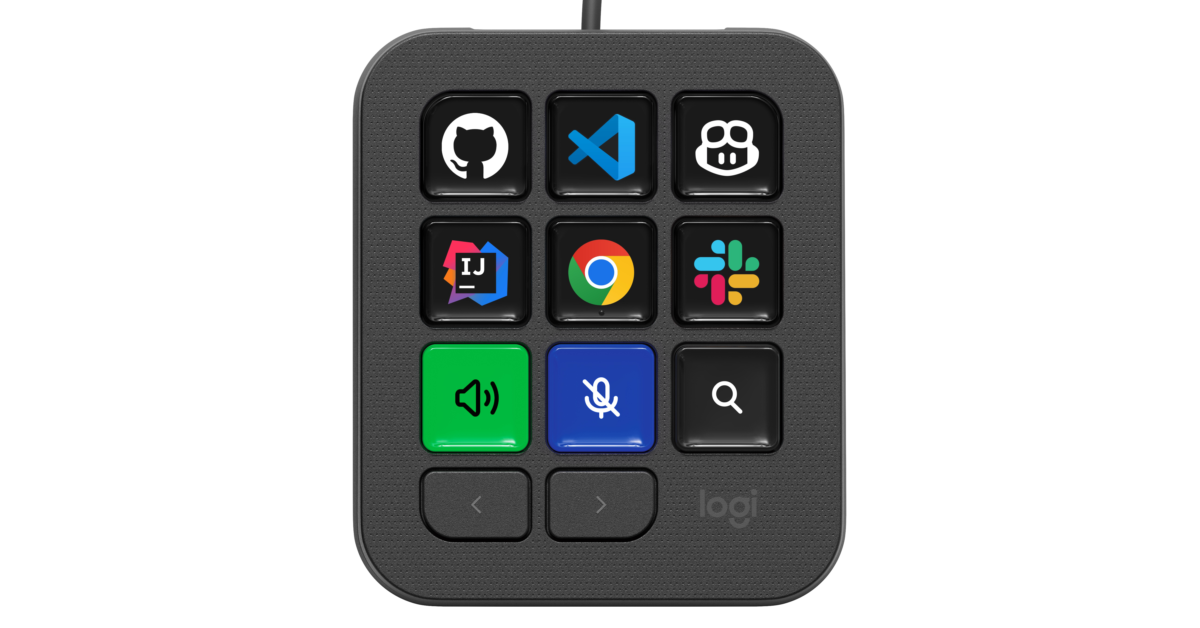
Developers using AI coding tools can end up juggling editors, terminals, chat windows, and multiple agents. Logitech’s answer is another piece of hardware for your desk. The MX Keypad is a $99.99 developer console with customizable LCD keys for launching prompts, controlling coding tools, and keeping track of what agents are doing.
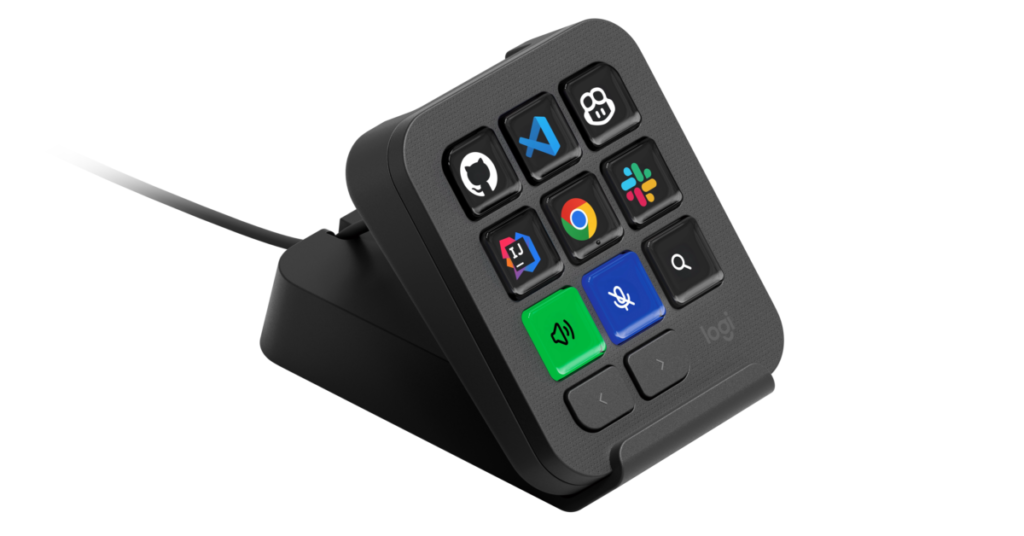
The device features nine full-color LCD keys, including two page buttons for cycling through up to 15 pages. Its application-aware profiles automatically change the layout as you switch between programs such as VS Code, IntelliJ IDEA, Slack, Figma, and Chrome. Instead of remembering which page holds a particular shortcut, you can have the relevant controls appear when an application becomes active.
That could be useful even without the AI features. Keys can trigger IDE commands, toggle terminals, run debuggers, launch scripts, and execute macros. Developers can also configure actions involving multiple applications, giving the keypad some flexibility beyond being a collection of app launchers.
GitHub Copilot is the centerpiece of Logitech’s AI pitch. Developed and tested in collaboration with GitHub, the initial native Copilot integration launches in VS Code, with plans to expand functionality across more tools over time. Logitech also offers an IntelliJ IDEA plugin, although its latest briefing specifically identifies VS Code as the starting point for native Copilot integration.
Inside VS Code, developers can use the keypad to launch configured Copilot agents, select a chat mode, and trigger saved prompts such as /review or /fix. The VS Code plugin requires Logitech’s Logi Command Manager extension, which lets users edit the available actions and add controls from other installed extensions.
“Today, coding mastery depends on how easily developers can juggle between an ever-increasing range of AI tools,” said Anatoliy Polyanker, VP and GM at Logitech. “MX Keypad puts a physical control center at your fingertips, allowing you to orchestrate your AI workflows faster and more intuitively.”
Claude Code and OpenAI Codex support comes through community-built plugins. Logitech says the Claude Code integration can display live agent status and context window usage while providing one-tap command-line prompts. The Codex plugin offers thread supervision, background task monitoring, and physical command-line controls.
Those plugins are still in beta, according to the supplied briefing, with both scheduled to appear in the Logi Marketplace at launch. Their reliability will be worth watching, particularly if developers plan to use the keypad to monitor ongoing work.
Some of the broader AI functionality relies on configurable actions. A key can focus or launch ChatGPT, Gemini, or Claude using an app launcher or web link. Saved prompts can use a “Paste text” action, while Logitech’s Multi-Action feature can chain steps such as copying selected text, opening an AI tool, waiting, pasting, and pressing Enter.
Voice prompting works through shortcuts that activate speech-to-text in an application or the operating system. Logitech also describes voice commands within its Claude Code terminal integration for prompting and project navigation. The supplied specifications do not list a built-in microphone.
Customization happens in the free Logi Options+ application, with drag-and-drop controls for keys, pages, and profiles. A built-in icon editor lets users personalize the LCD labels, while the Logi Marketplace supplies plugins, icon packs, and preset layouts. Downloading marketplace plugins requires a Logi ID login.
For developers who want to build their own integrations, the Logi Actions SDK supports C# and Node.js. Logitech says it provides documentation designed for coding agents, which could help users create plugins for tools outside the included selection.
Every MX Keypad includes three months of GitHub Copilot Pro+, redeemable through Logi Options+ by both new and existing users. Logitech values the subscription offer at $117, giving developers who already use the service another reason to consider the hardware.
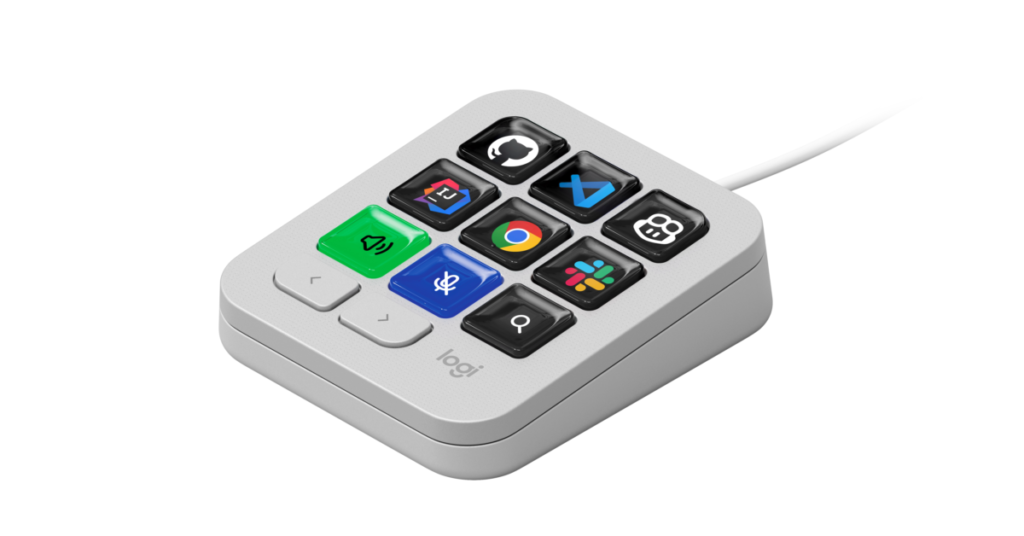
The keypad measures 91.7 x 77.9 x 25.5mm and weighs 96g. Logitech lists a stand and a 1.5-meter USB-C cable, with a USB-C port required for connection. Official software support covers Windows 10 or later and macOS 13 or later. Linux is not listed.
It is available from Amazon here, priced at $99.99. The graphite version uses 64 percent certified post-consumer recycled plastic, compared with 49 percent for pale grey, and the paper packaging uses FSC-certified and other controlled sources.
The strongest argument for the MX Keypad is its combination of changing LCD labels, automatic app profiles, and visible agent status. Those features could make repeated tasks easier to manage. Whether that earns it a permanent place on a developer’s desk will depend on the quality of the integrations and how much time it actually saves after setup.
As an Amazon Associate I earn from qualifying purchases. Some links in this article may be affiliate links. If you click one and make a purchase, I may receive a small commission at no extra cost to you. This helps support NERDS.xyz.
Support independent tech journalism
NERDS.xyz is independently owned and operated. If you enjoy my coverage of Linux, AI, hardware, cybersecurity, and tech culture, consider supporting the site on Ko-fi.
Support NERDS.xyz