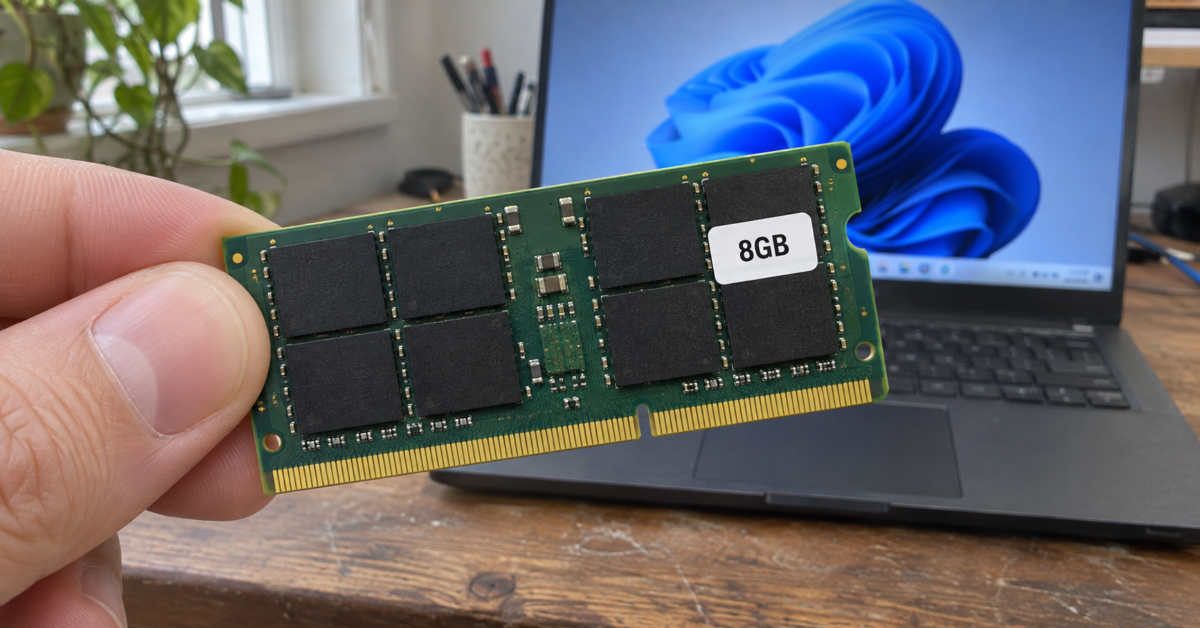
If you already own a Windows 11 laptop with 8GB of RAM, Microsoft has some good news for you. Changes to Windows and several of its apps should make it easier to leave a bunch of things open and get back to work without waiting for your laptop to catch up. If you’re shopping for a new laptop, though, Microsoft has a sales pitch for you, too. Its Windows 11 performance update ends by pointing holiday shoppers toward 8GB machines starting at $429 at Walmart.
The timing makes sense. As AI companies buy more servers, memory manufacturers are giving those products priority on their most advanced production lines. According to TrendForce, those decisions are keeping memory supply tight, and laptop makers are already seeing higher component costs. The research firm expects contract prices for conventional DRAM to rise another 10 to 15 percent in the fourth quarter compared with the third. Put simply, even if you have zero interest in AI, the companies building it have a hand in what it costs to put RAM in your next laptop.
So what can Microsoft do with the 8GB you already have? One of the more interesting changes concerns what happens when you return to something you opened an hour ago. Windows can compress less-active data and keep it in RAM, where it can reach it faster than if it has to read it back from storage. Microsoft says it adjusted when Windows compresses, moves, and retrieves data on 8GB systems. Under the right conditions, it can now keep up to 2GB more of your active data in memory. If that means the tab you were reading is ready when you click it, that’s an improvement you can appreciate without ever opening Task Manager.
Then there’s Widgets. On machines with 8GB of RAM or less, Windows now waits until you actually open Widgets to load it. Microsoft puts the reduction in memory commitment at roughly 200MB while it’s closed. I’d call that a sensible default regardless of how much RAM you own. Edge is getting more aggressive, too, putting inactive tabs to sleep after 15 minutes by default. Previously, it waited two hours.
The number likely to get the most attention is Microsoft’s claim of up to 40 percent faster multitasking. For that test, it used an HP OmniBook 3 with 8GB of RAM and an eight-core Snapdragon X Plus processor. It opened 20 Edge tabs, a 4K video, large Word, PowerPoint, and Excel files, Outlook, and File Explorer in sequence, leaving everything open along the way. Microsoft timed how long the laptop took to finish the sequence on two different Windows builds. That’s a useful test if your morning starts with opening half the things you closed the night before. It tells you considerably less about how quickly Excel will recalculate the spreadsheet once you’re in it.
Microsoft also commissioned a comparison that sounds especially promising for budget shoppers. A 2026 Dell XPS 13 with 8GB performed about as well as a 2021 configuration with 16GB in several tasks, including web browsing and 4K video export. If you’re replacing a five-year-old laptop, that comparison has some value. But the two machines also have five years of processor improvements between them. The test I’d like to see is the current Dell with 8GB and 16GB, running the same workload on the same Windows build. That would help someone standing in a store decide what the extra money buys.
If you already have an 8GB machine, you can try the improvements yourself. Microsoft directs users to Windows 11 version 26H2, build 26300.9818 or later. Go to Settings > Windows Update, turn on Get the latest updates as soon as they’re available, and select Check for updates. Update Edge, Microsoft 365, and Teams as well, since those apps deliver some of the changes separately.
Personally, I’m glad Microsoft is putting engineering time into the laptop someone already paid for. Getting another year out of an 8GB machine is an appealing prospect when AI demand is helping drive up memory costs. I’d be more cautious about buying that same amount of RAM all over again. At $429, an 8GB laptop deserves a look. If the 16GB version is within reach and the memory is soldered down, though, I’d spend the difference. You can install the next Windows update either way. You only get one chance to buy the extra RAM.
Support independent tech journalism
NERDS.xyz is independently owned and operated. If you enjoy my coverage of Linux, AI, hardware, cybersecurity, and tech culture, consider supporting the site on Ko-fi.
Support NERDS.xyz