Manjaro has released version 26.1 of its Arch-based Linux distribution, bringing updated GNOME, KDE Plasma, and Xfce desktops alongside Linux kernel 7.1. Called Bian-May, the new release follows Manjaro 26.0 Anh-Linh from January 2026 and includes newer drivers for recently released hardware.
The GNOME edition ships with the GNOME 50 series, which has received several rounds of fixes since its original release in March. There are changes throughout the desktop, including parental controls, remote desktop improvements, better display handling, and additional work aimed at NVIDIA users.
One of the more useful GNOME 50 additions is expanded parental controls. Parents and guardians can monitor screen time, establish limits, create bedtime schedules, and have the computer automatically lock when those limits are reached. Screen time can also be extended when necessary, while Manjaro additionally includes Big Parental Controls 1.0 from the BigLinux project in Brazil.
Remote desktop performance gets attention too, with GNOME 50 adding hardware acceleration using Vulkan and VA-API. Moving video streaming work to the GPU should help reduce latency and power consumption, while explicit sync support is intended to improve reliability on a wider range of hardware, including systems using NVIDIA graphics.
Display handling is another focus of GNOME 50. Variable Refresh Rate and fractional scaling have received additional fixes and improvements, while the cursor can now operate independently of an application’s frame rate when VRR is active. This means the pointer can remain responsive at a monitor’s maximum refresh rate even when a game or another application is running at a lower frame rate.
GNOME 50 also introduces support for version 2 of the Wayland color management protocol and HDR screen sharing. The latter should be particularly useful for people recording or sharing displays showing HDR content, as compatible software can preserve the expanded color information instead of treating everything as standard dynamic range.
NVIDIA users may notice other improvements as well. GNOME includes workarounds targeting driver-related stuttering and frame-timing problems, which could result in smoother window animations and general desktop interaction on affected systems.
KDE Plasma 6.7 comes to Manjaro
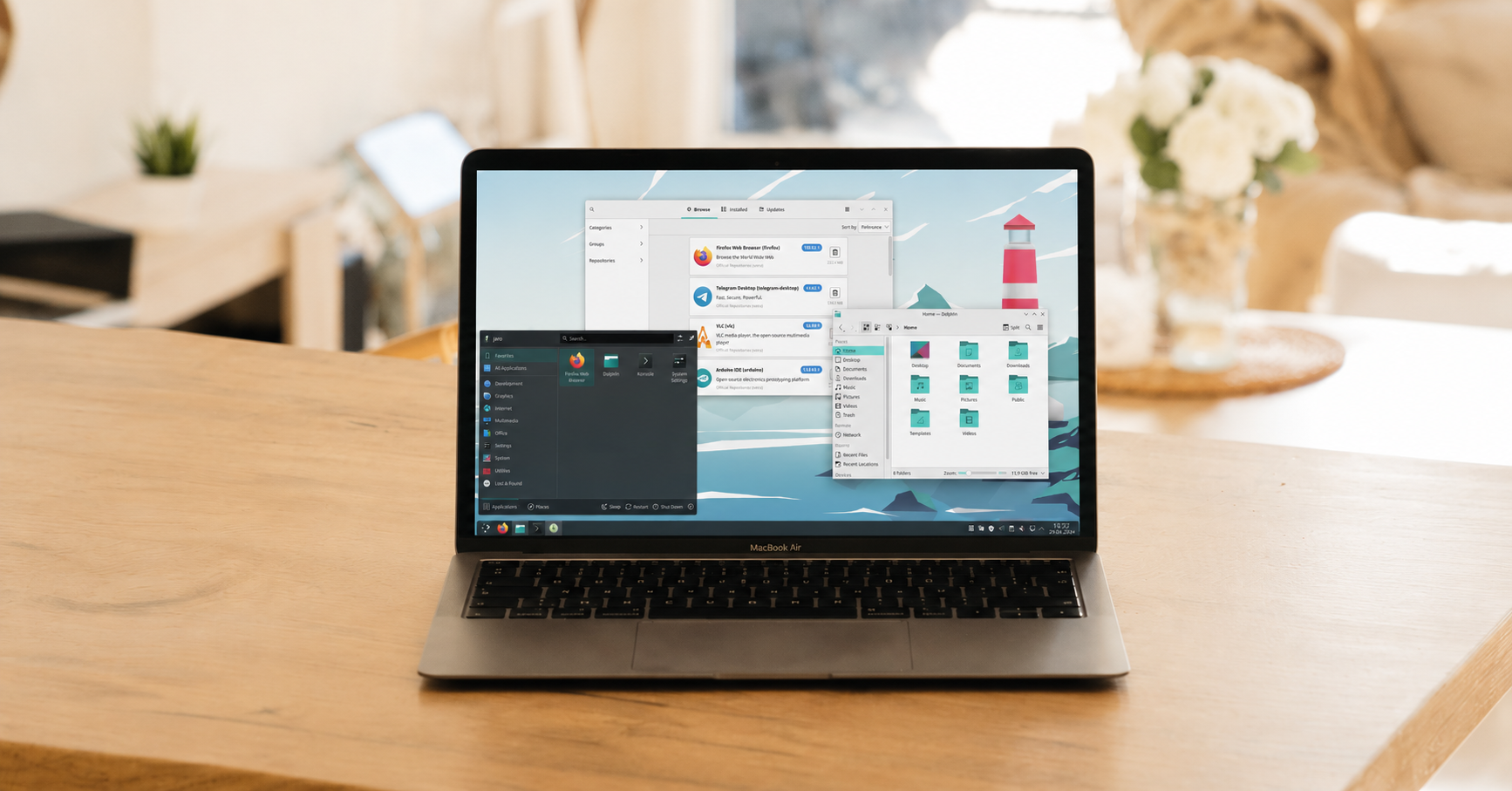
Those who prefer KDE get the Plasma 6.7 series alongside Frameworks 6.28 and KDE Gear 26.04. Plasma 6.7 builds on the Global Themes functionality introduced with Plasma 6.6, including a quick toggle that lets users immediately switch between light and dark Global Themes.
The System Tray can now display applications using the newer Background Apps system in addition to applications using traditional background methods. This should be particularly relevant for Flatpak users, as the newer system is increasingly used by applications distributed in that format.
KDE has also worked on making common desktop tasks faster and easier. Plasma 6.7 includes faster virtual desktop switching in Overview, drag-and-drop management of favorites, improvements to software management, easier time-zone comparisons, and type-ahead functionality on the desktop.
Notifications receive a visual change as well, with alerts now sliding onto the desktop from the nearest screen edge. KDE says the approach should make notifications easier to notice without making them excessively distracting.
Xfce 4.20 remains an option
Manjaro hasn’t forgotten about people who prefer a more traditional desktop experience, as its Xfce edition ships with Xfce 4.20. Thunar gains file highlighting, allowing users to assign custom background and foreground colors to individual files, while recursive search makes it easier to locate files buried inside directories.
The Xfce panel receives a couple of changes too. Panel length is now configured in pixels rather than percentages, and a new “keep panel above windows” option determines whether maximized applications stop at the panel or can extend behind it.
Xfce’s Control Centre brings the desktop’s various configuration modules together in a single location. Additional settings include the ability to disable header bars in dialogs, show or hide the delete option in file context menus, and choose default behavior for multiple monitors before another display is connected.
Linux kernel 7.1 leads the kernel lineup
Manjaro 26.1 uses Linux kernel 7.1 by default, providing access to newer hardware support and drivers. Manjaro continues to offer Linux 6.18 LTS and 6.12 LTS as alternatives for systems where an older long-term support kernel makes more sense.
As usual, Manjaro’s combination of recent packages and multiple desktop choices gives Linux users an alternative to installing and maintaining Arch Linux directly. GNOME 50 and Plasma 6.7 provide plenty of desktop changes, while kernel 7.1 could make Bian-May particularly interesting for people running newer PCs.
Existing Manjaro users don’t necessarily need to jump to the newest kernel just because it is available, however. Anyone who values a more conservative kernel can continue using one of the supported LTS releases while still taking advantage of the other software updates included with Manjaro 26.1.
Support independent tech journalism
NERDS.xyz is independently owned and operated. If you enjoy my coverage of Linux, AI, hardware, cybersecurity, and tech culture, consider supporting the site on Ko-fi.
Support NERDS.xyz