
If you’re the type of Linux user that prefers a lightweight distro that just works without trying to drown you in unnecessary extras, SparkyLinux 8.3 might be worth a look.
The latest update to the “Seven Sisters” series is now available (download here), bringing refreshed packages pulled from the Debian 13 stable repositories as of May 9, 2026. Since Sparky is based on Debian 13, users get the familiar stability Debian is known for, but wrapped in a distro that feels a bit friendlier and less intimidating for everyday desktop use.
This is technically just a quarterly point release, so don’t expect some dramatic reinvention. Still, there are enough updates here to keep things interesting. The distro ships with Linux kernel 6.12.86-LTS by default, while Sparky’s repositories also offer newer kernels including 6.12.87-LTS, 6.18.29-LTS, and even 7.0.6 for folks that like living a little closer to the edge.
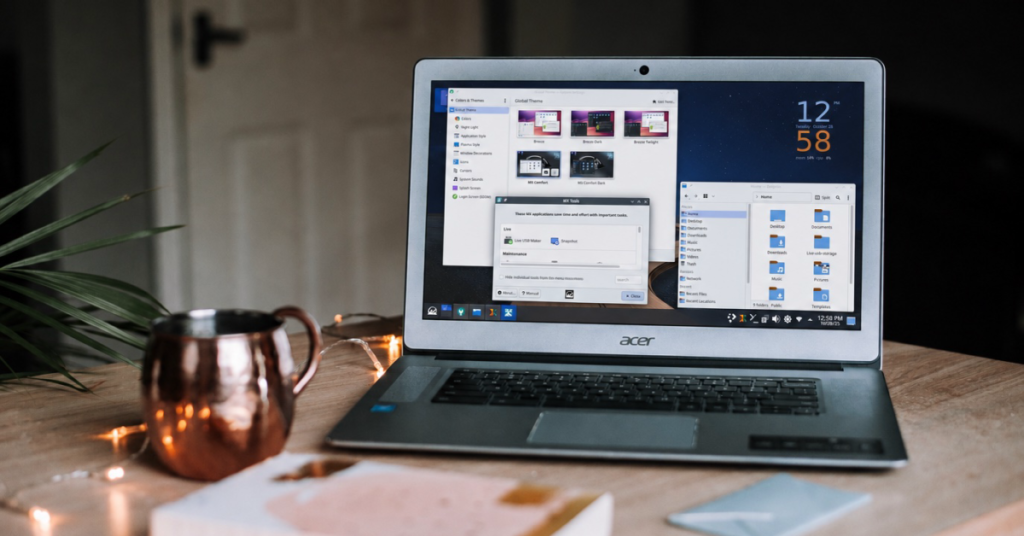
Desktop environment fans get some love too. KDE Plasma comes in at 6.3.6, Xfce lands at 4.20, LXQt reaches 2.1.0, and MATE remains at the dependable 1.26.0 release. Openbox is still hanging around too, which should make minimalist Linux folks pretty happy.
On the software side, LibreOffice 25.2.3 is included out of the box, although Debian backports currently offers LibreOffice 26.2.3.2 if you want something newer. Firefox ESR arrives as version 140.10.2esr, Thunderbird ESR is at 140.10.1esr, and Sparky’s own repositories include Firefox 150.0.2 for users that don’t want to stick with ESR releases.
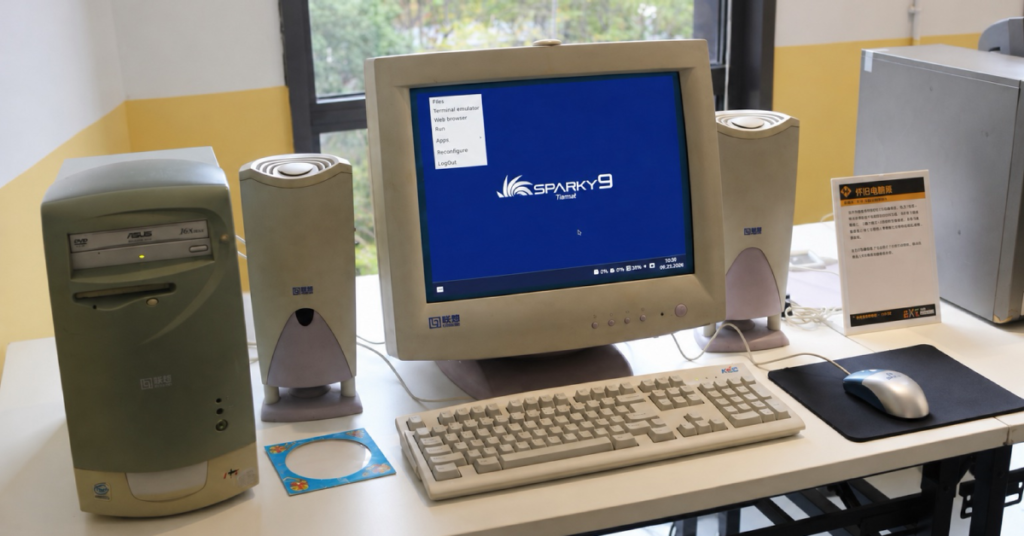
One thing I appreciate about SparkyLinux is that it still remembers older hardware exists. Not everybody wants a Linux desktop that behaves like a flashy smartphone interface stretched across a monitor. Some folks just want a fast, clean operating system that stays out of the way and lets them get stuff done. Sparky continues to understand that better than a lot of modern Linux projects.
The release is available in several editions for amd64 systems with BIOS, UEFI, and Secure Boot support, including Xfce, LXQt, MATE, KDE Plasma, MinimalGUI with Openbox, and MinimalCLI text mode. ARM64 images are available too, although those are currently limited to Openbox and CLI variants.
Already running Sparky 8? There’s no need to reinstall anything. Just update your existing system normally and you’ll be brought up to version 8.3.
Sparky’s rolling branch later moved to kernel 7 and Debian Testing updates. Stable and rolling editions serve different risk tolerances, so newer packages are not automatically the better choice.
Support independent tech journalism
NERDS.xyz is independently owned and operated. If you enjoy my coverage of Linux, AI, hardware, cybersecurity, and tech culture, consider supporting the site on Ko-fi.
Support NERDS.xyz